01
Add one front-facing photo
The browser decodes it locally. Nothing is uploaded. You can also skip the photo and enter measurements manually.
Your choice is stored only in this browser.
LightDarkSystemKnow your proportions. Dress with less guessing.
Find your face shape with a free online face shape detector app built to help you understand your facial proportions and explore personal styling ideas. Choose a front-facing photo or use your camera on a supported device, then turn the reading into hair, glasses, grooming, colour, and outfit directions — all in your browser.
The model runs on your device. No account, no upload, no external AI.
7
readings compared
0
photos uploaded
3
theme modes
1
local model
From photo to brief
No black-box score. You see the landmarks, the ratios, the closest and secondary readings, and the photo-quality limits that shaped the result.
01
The browser decodes it locally. Nothing is uploaded. You can also skip the photo and enter measurements manually.
02
A local MediaPipe landmark model finds facial points, then the app compares normalized widths, lengths, and taper ratios.
03
Get deterministic hair, frame, grooming, colour, and outfit directions. Correct the shape, save the report, or print it.
What the model maps
The local model finds facial points; the app then compares normalized widths, lengths, and taper. The diagram is illustrative, not an overlay from your photo.
See the full pipeline →The seven readings
Portrait references
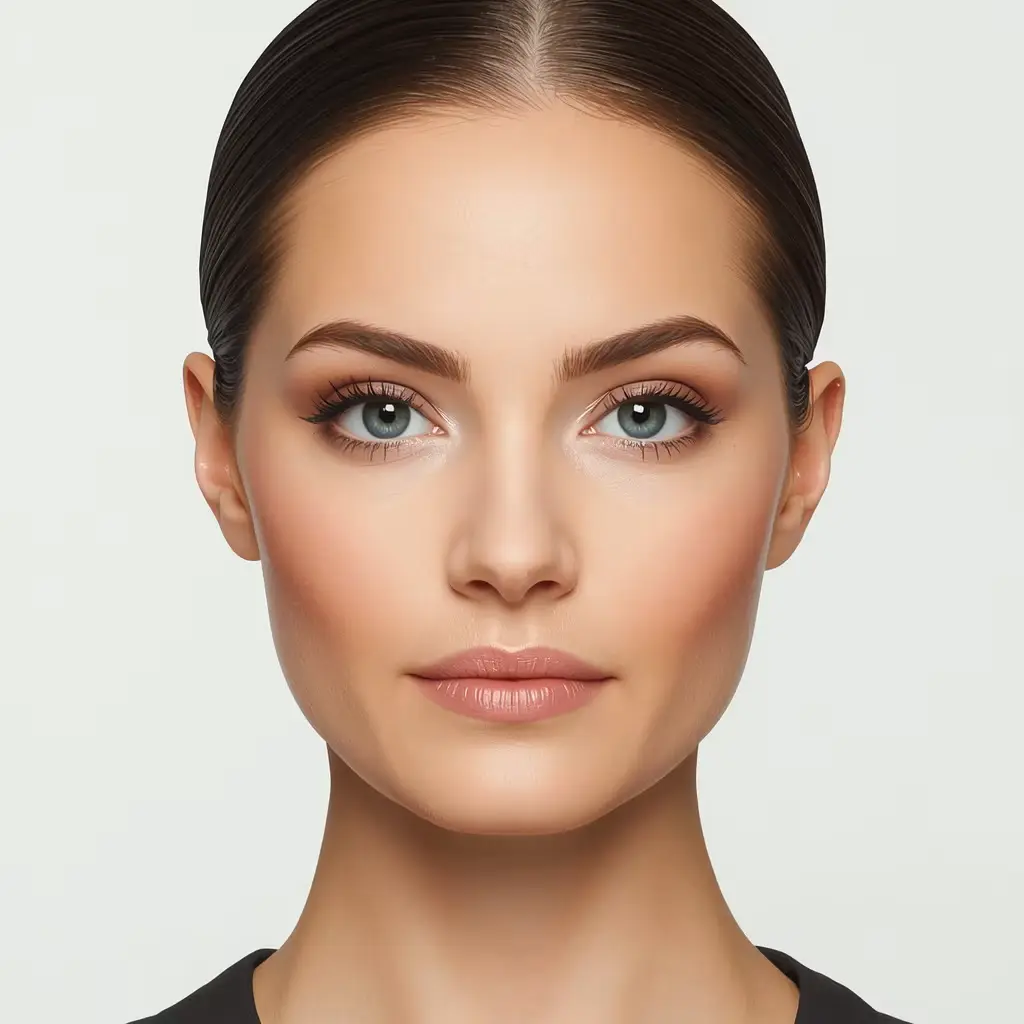
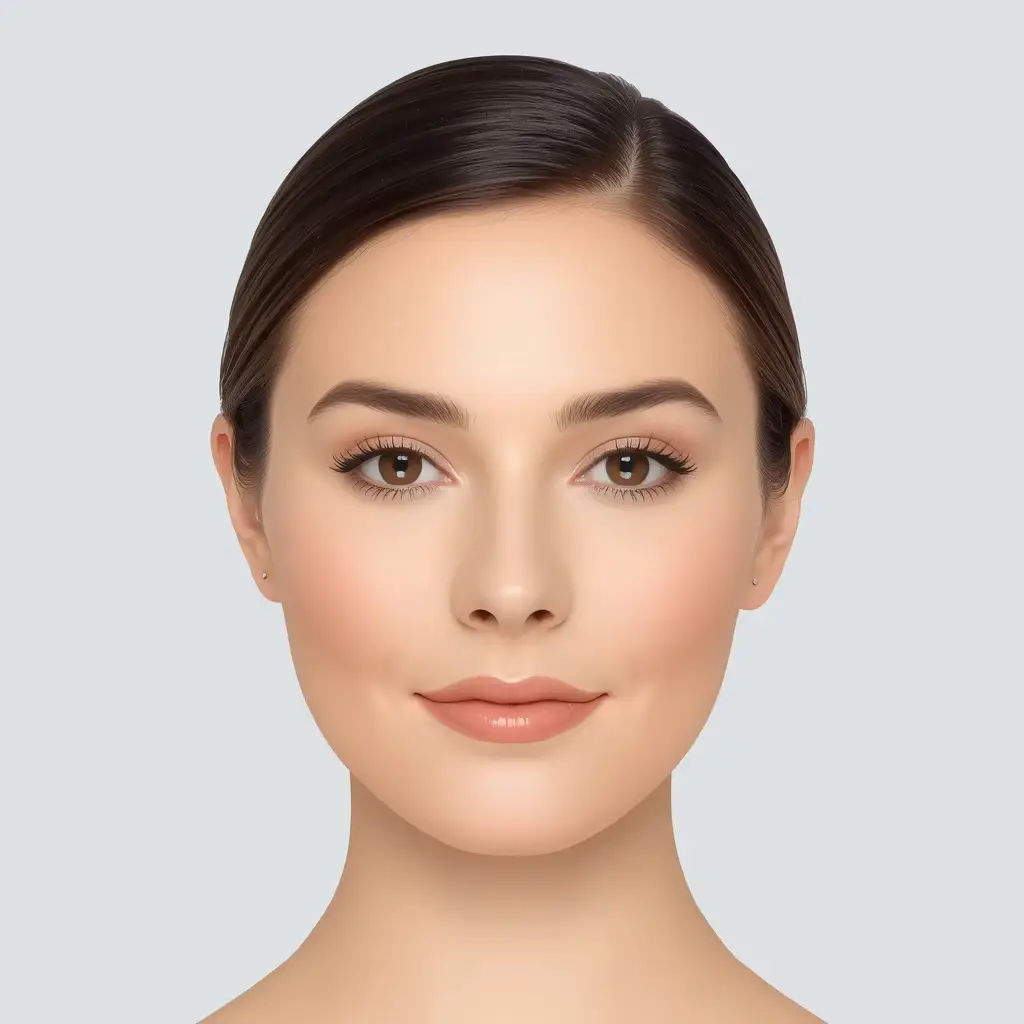
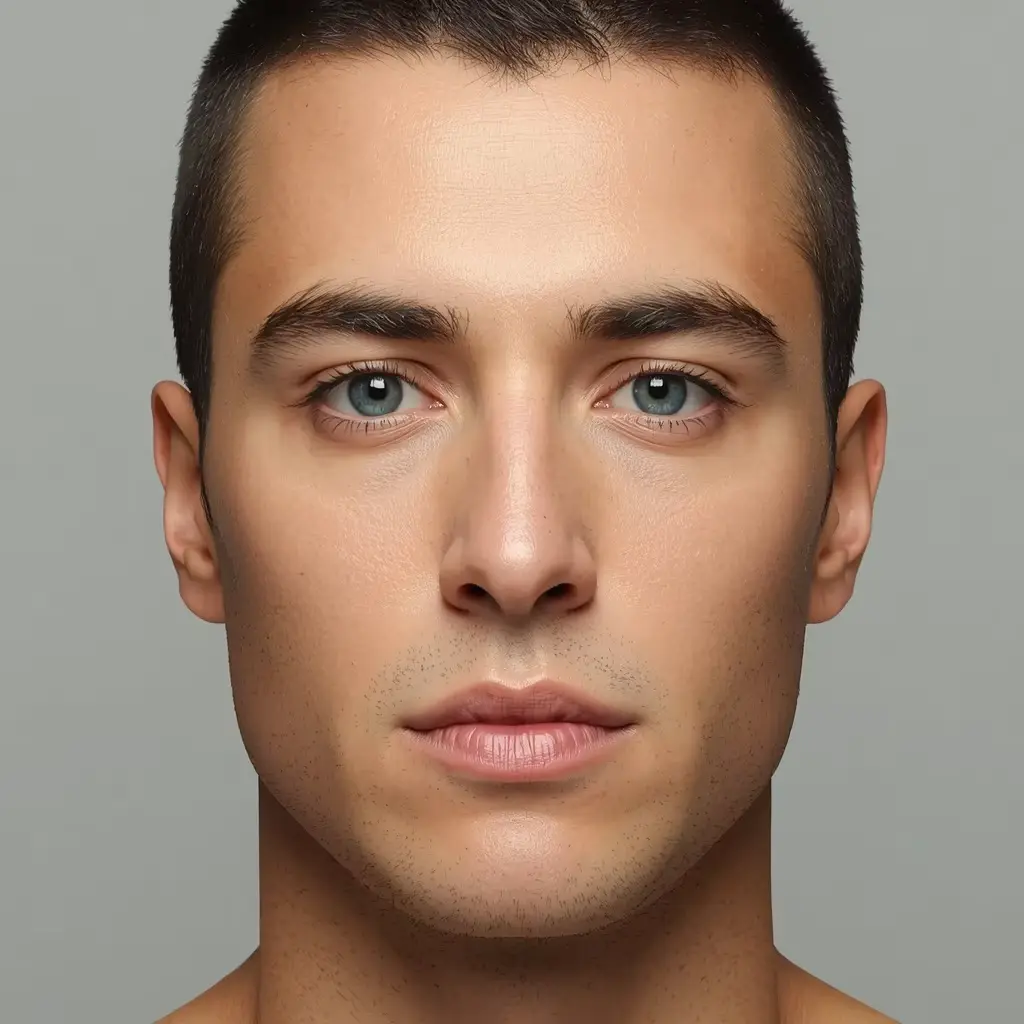
These reference portraits show how the same geometry can appear with different hair, grooming, and styling. They are illustration, not a result from your photo.
After the shape
The report links into focused guides. Each one starts from your measured shape and palette, then gives you options rather than commands.
Open the outfit builderWhy local
A photo of your face is sensitive. The architecture reflects that: local inference, no image upload, no analytics payload with your photo, and no account to breach.
How privacy works →The landmark model and WASM runtime are served from this site, not a third-party CDN.
The selected image stays in a browser object URL for the session. Saved reports contain measurements, not the photo.
Every reading is tied to visible ratios and a capture-quality score you can inspect.
The app does not score attractiveness, age, gender, ethnicity, or identity.
Questions
Answers about finding your shape, photo handling, accuracy, and using the free detector. For deeper detail, read the methodology or the full FAQ.
Open the detector, choose a clear, front-facing photo, or use the live camera on a supported device. Keep your whole face in frame and follow the on-screen guidance, then select “Analyze this photo.” The report compares visible proportions and estimates which of the seven categories—oval, round, square, heart, diamond, oblong, or triangle—fits closest. Even lighting, a neutral expression, and an unobstructed face can make the analysis more consistent.
Open the face shape detector →Compare the seven face shapes →
A face shape detector analyzes visible facial proportions and contours—such as face length, cheek and jaw width, and taper—to estimate a face shape. The result is a styling reference, not a measurement of identity or health. It can help you explore hairstyles, glasses, grooming, and other style options with a clearer starting point.
This app is designed to keep analysis local: your photo is decoded and processed in your browser, and it is not sent to an external AI service. The photo itself is held in memory for the current session and is not written to browser storage. No online tool can promise absolute security, so use a photo you are comfortable analyzing and review the privacy details for the exact data behavior.
You can use this online face shape detector to get an estimate from a photo or live camera. The report shows the closest reading, a secondary match, the ratios behind it, and any quality warnings. Many faces sit between categories, so review the evidence and compare the result with the shape guide rather than treating it as a definitive measurement.
No detector can guarantee perfect accuracy for every face, photo, or lighting condition. Results depend on image quality, head angle, facial proportions, and the method used. This app is an exploratory geometric tool: it explains its ratios and limitations rather than claiming to be the most accurate detector. Use the report as a starting point alongside your own judgment.
Read the methodology and limits →See the measurement steps →
The app uses a local MediaPipe Face Landmarker model to identify facial landmarks, then checks image quality and calculates normalized measurements such as widths, lengths, jaw taper, and symmetry. Those measurements are compared with seven shape prototypes to produce the closest and secondary readings. Head angle, lighting, occlusion, and image quality can all affect the result.
Choose a JPEG, PNG, or WebP photo up to 20 MB, or use the camera on a supported device. After previewing the photo, select “Analyze this photo”; the model runs locally and opens a report. You can review the result, correct the shape if needed, and optionally save, print, or export the report. This free face shape detector online workflow does not require an account or subscription.
Yes. The face shape detector app is free to use. There are no accounts, subscriptions, or paid unlocks in the current version. Analysis, the report, manual correction, and optional report saving are available without payment.
Yes. The site is responsive and works in current mobile browsers that support the local WebAssembly model. The camera option asks for permission and generally requires HTTPS; if permission is denied or the camera is unavailable, choose a photo from your device instead. The first visit may take longer while the local model downloads.
Yes. The report links estimated face shape to hairstyle and glasses guidance, and you can browse the hairstyle and glasses guides directly. These suggestions are starting points based on visible proportions, not strict rules. Personal taste, hair texture, frame fit, comfort, and the look you want matter just as much.
Yes. The detector estimates face shape without requiring a gender classification. The men’s and women’s face-shape guides are optional editorial references with different portrait examples; they do not assume your identity. The underlying seven shape categories are available to everyone.
Yes. Choose a JPEG, PNG, or WebP image up to 20 MB from your device. The file is decoded in the browser for analysis and does not need to be uploaded. Other formats are not accepted by the current file validation, so convert unsupported images before trying again.
Camera angle, distance, lighting, expression, hair across the face, glasses, and landmark detection can all shift visible proportions. Try another clear, front-facing photo with even light and no obstruction, and compare the ratios and quality notes rather than the label alone. Face shapes also overlap, so a small change can move the closest match.
The photo is decoded and processed in memory in your browser. It is not uploaded to an external AI service, and the photo itself is not written to localStorage or sessionStorage. After analysis, a session report containing measurements and landmarks—but no photo—is stored in sessionStorage so the results page works after a reload in the same tab. If you choose “Save report,” that non-photo report is written to localStorage until you delete it or clear site data. Closing the tab clears the in-memory photo and the session report.
Face shape guide
Finding your face shape starts with looking at the proportions of your forehead, cheekbones, jawline, and overall face length. Our face shape finder analyzes facial landmarks and compares relative measurements to estimate a shape category. For a useful result, choose a clear, front-facing image with even lighting, a natural expression, and your entire face visible. Avoid heavy filters, extreme camera angles, and images that obscure your facial outline.
Select a photo or choose the live camera option, grant camera permission when requested, and capture a suitable image. Review the result and any uncertainty information provided. You can explore the face shape guide to compare the main categories and understand their typical proportions.
Even light across the face matters more than a dramatic portrait. Keep the camera near eye level, leave a little space around the head, and avoid hats, strong shadows, or hair that covers the forehead and jaw. If you wear glasses, try one photo with them and one without; the clearer outline usually produces the more consistent reading.
The app covers seven broad categories: oval, round, square, heart, diamond, oblong, and triangle. An oval face is generally longer than it is wide, while a round face often has softer contours and similar width and length. A square face commonly has a broader jaw, whereas a heart-shaped face tends to have a wider forehead and a narrower chin. Diamond, oblong, and triangle shapes describe other patterns of relative width and facial proportions.
These categories are simplified guides, not strict scientific boundaries. Many people have features that overlap two categories. The detector may therefore show an exploratory result or alternatives instead of presenting one shape as a certainty.
Understanding your facial proportions can help you explore hairstyles, glasses, and other styling options. Browse our hairstyle guide for ideas about volume, length, and framing. Visit the glasses guide to compare frame shapes and learn how different designs can balance your features. For glasses, start with frames that contrast or repeat your strongest lines, then check comfort and fit. You can also explore grooming, clothing colors, and outfit suggestions through the relevant styling guides.
These recommendations are starting points rather than rules. Personal taste, hair texture, comfort, and individual preferences matter just as much as face shape.
The detector is designed to estimate face shape without classifying gender. Our men's and women's styling guides provide different portrait references and styling inspiration, while the underlying face-shape categories remain available to everyone. Explore the men's face-shape guide and women's face-shape guide for additional examples. The portraits shown in these guides are AI-generated illustrations, not evidence used to validate the detector.
You can use the face shape detector online free without creating an account. The app is designed around local browser processing, so your photo should remain on your device during analysis. Review the privacy policy for the actual data-handling details and limitations. Camera access requires permission and generally works on HTTPS websites or localhost.
Face shape depends on proportions, image quality, and interpretation. Lighting, camera perspective, facial hair, and image framing can affect the measurements. This tool provides an estimate, not a guaranteed or medically validated classification. Treat the label as a styling aid rather than a fact about your identity.
Review the explanation and alternatives when available, and use the manual correction option if the result does not match your own assessment. The methodology page explains the measurements and their limits, while how it works walks through the local pipeline.
Ready to try it? Open the face shape detector to analyze a photo or use the live camera, or enter a few measurements with the manual calculator if you prefer not to use a photo.
Ready when you are
Or skip the camera entirely with the manual calculator. Both paths stay private and give you the same transparent report.